

AI-Native Data Collaboration. Built for Modern Data Teams.
TridaPad is an AI-native Data collaboration platform that connects seamlessly to SQL, NoSQL, Big Data, and Cloud datasources. Now with an MCP server — connect AI tools like Claude to query data and build dashboards programmatically.
DEPLOY ANYWHERE



Platform Impact
50+
Data Sources
Connect anything. Query instantly.
10X
Faster Collaboration
Share instantly. Build together with team.
Zero
Setup Overhead
Setup in minutes. Instant productivity.
Infinite
Query Scale
Unlimited queries. No limits.
Many Databases, One Tool
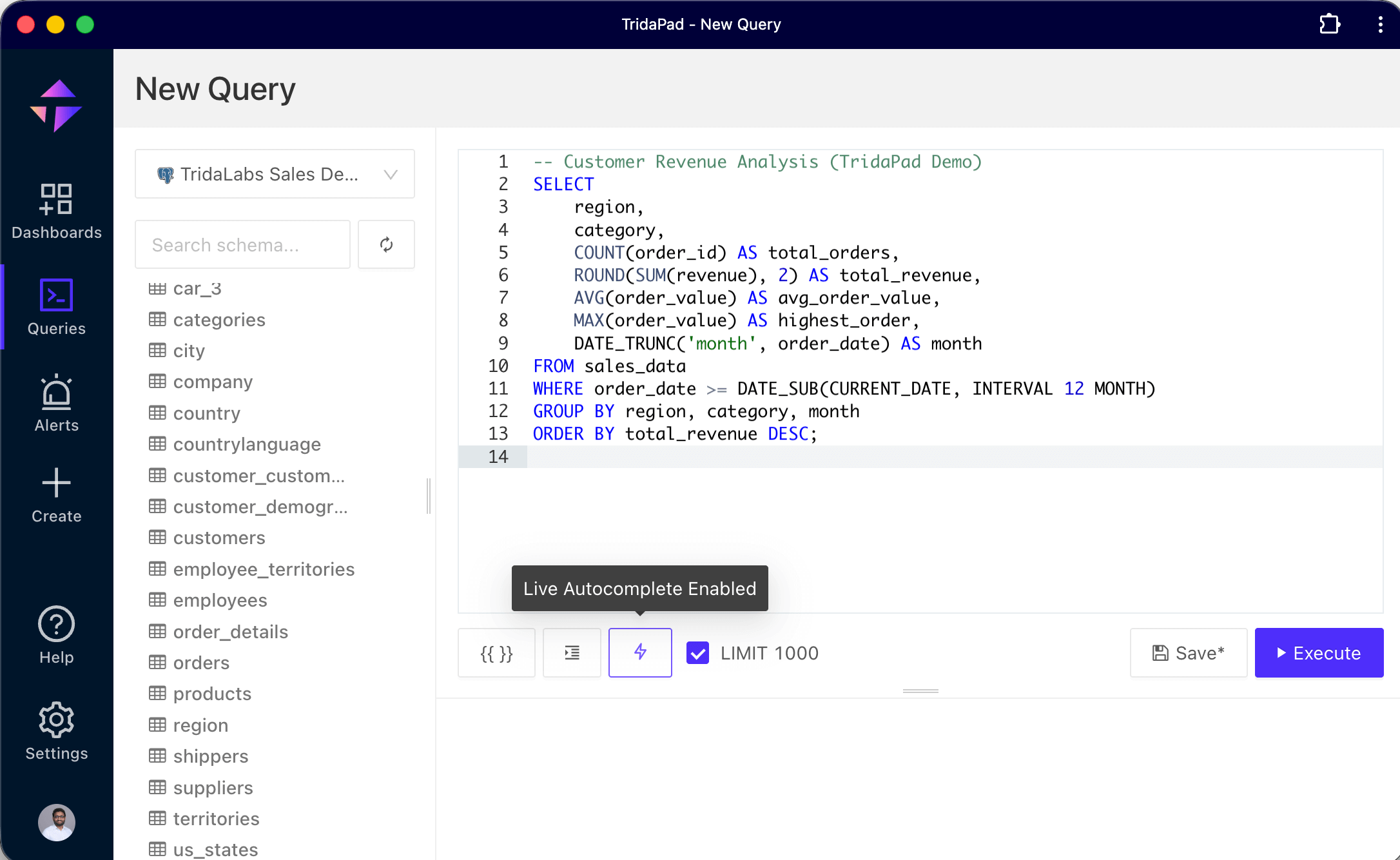
TridaPad's multi-engine database environment provides convenient UI for writing and running SQL queries and visualizing the results.













Connect AI tools directly to your data
TridaPad includes a built-in MCP (Model Context Protocol) server. Connect Claude Desktop, Claude Code, or any MCP-compatible client and let AI query your databases, build dashboards, and explore schemas — without writing a line of integration code.
- Query schemas and run SQL through natural language
- Build dashboards and visualizations automatically
- Set threshold alerts and manage notification destinations
- Compatible with Claude Desktop, Claude Code, and any MCP client
Amazing Advantages

Fast Performance
Light and friendly interface provides best user experience to write queries, visualize data, and collaborate.

New Features and Updates
Our constantly innovating features, and updates make your tasks with databases more enjoyable!

Analytics for Everyone
Our Modern SQL editor can query any data from anywhere with it's multi-engine database support.

Enterprise Support
Maximize Your Productivity Right Now! with our Enterprise-grade technical support 24x7.
Powerful Features
Supercharge Your Data Productivity
Choose your Pricing
Community Edition
Just the basics for an individual
- Apache 2.0 License
- BigData and NoSQL Databases support
- Relational Databases support
- SQL editor and Data visualizations
- Data export and Download results
- Cloud Integration support
- Organization and Collaboration
- Security and data governance
- Enterprise level support 24x7
- MCP Server access
Enterprise Edition
Tailored for the needs of your Enterprise
Contact us for pricing*
*Custom pricing based on your team size and needs
- Commercial License
- BigData and NoSQL Databases support
- Relational Databases support
- SQL editor and Data visualizations
- Data export and Download results
- Cloud Integration support
- Organization and collaboration
- Security and data governance
- Enterprise level support 24x7
- MCP Server access
Learn & Explore TridaPad
Everything you need to get started and master TridaPad — from quick start guides to advanced features
MCP Server
Connect AI tools like Claude to TridaPad via the Model Context Protocol. Query data, explore schemas, and build dashboards with AI.
Quick Start Guide
Get up and running with TridaPad in minutes. Learn the basics and connect your first data source.
API Reference
Explore our complete API documentation for integrations, automation, and custom workflows.
Tutorials & Guides
Step-by-step tutorials covering common use cases, best practices, and advanced features.